Skip to content

Video presentation

The QMS platform Kvaltix in action

Start with the introduction, then open the module you care about most. Each module has its own short video with subtitles. To the modules ↓

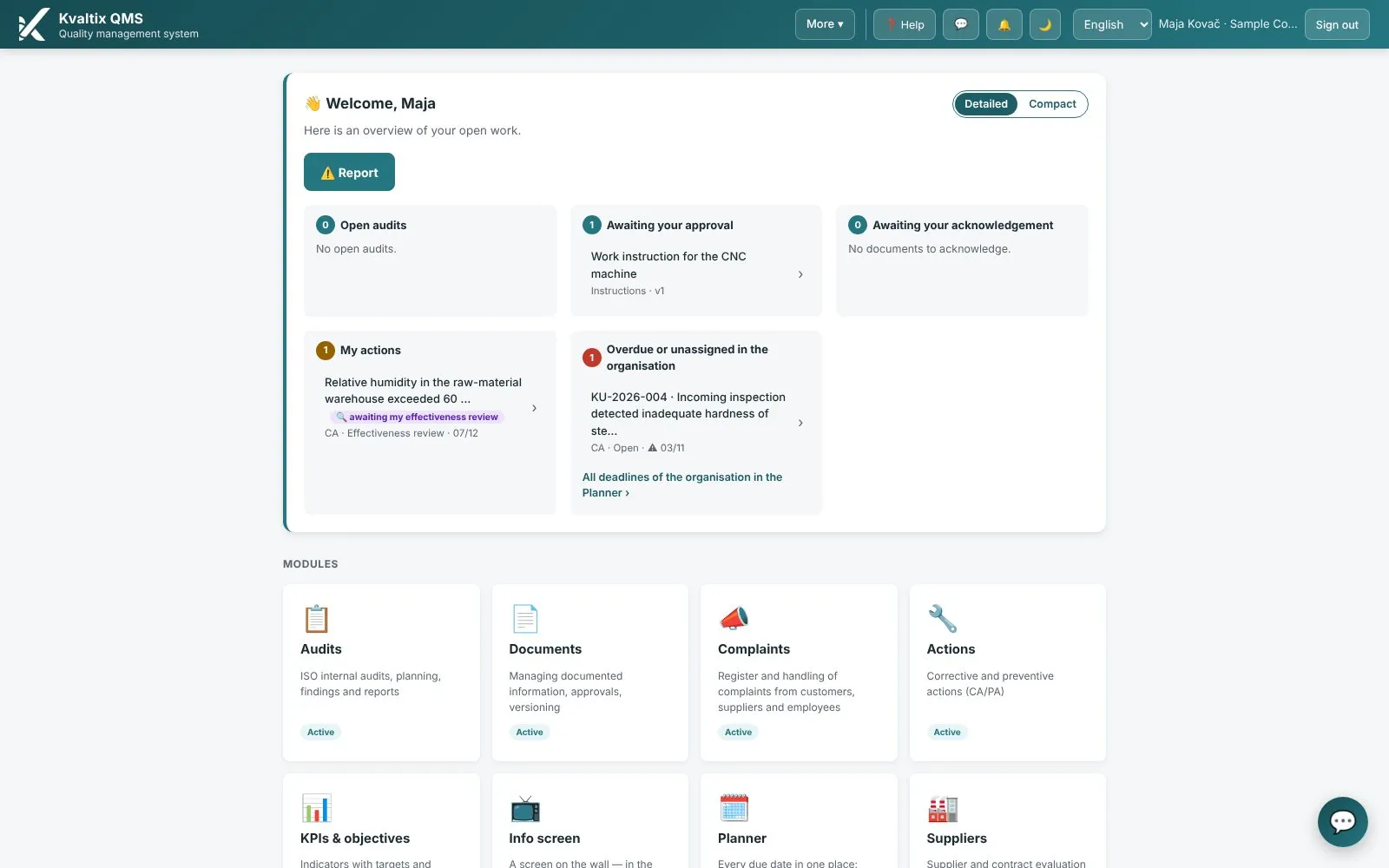
Screen from the platform

19 modules

One short video per module.

What hurts without the platform, what changes with it, and what you will see in the video.

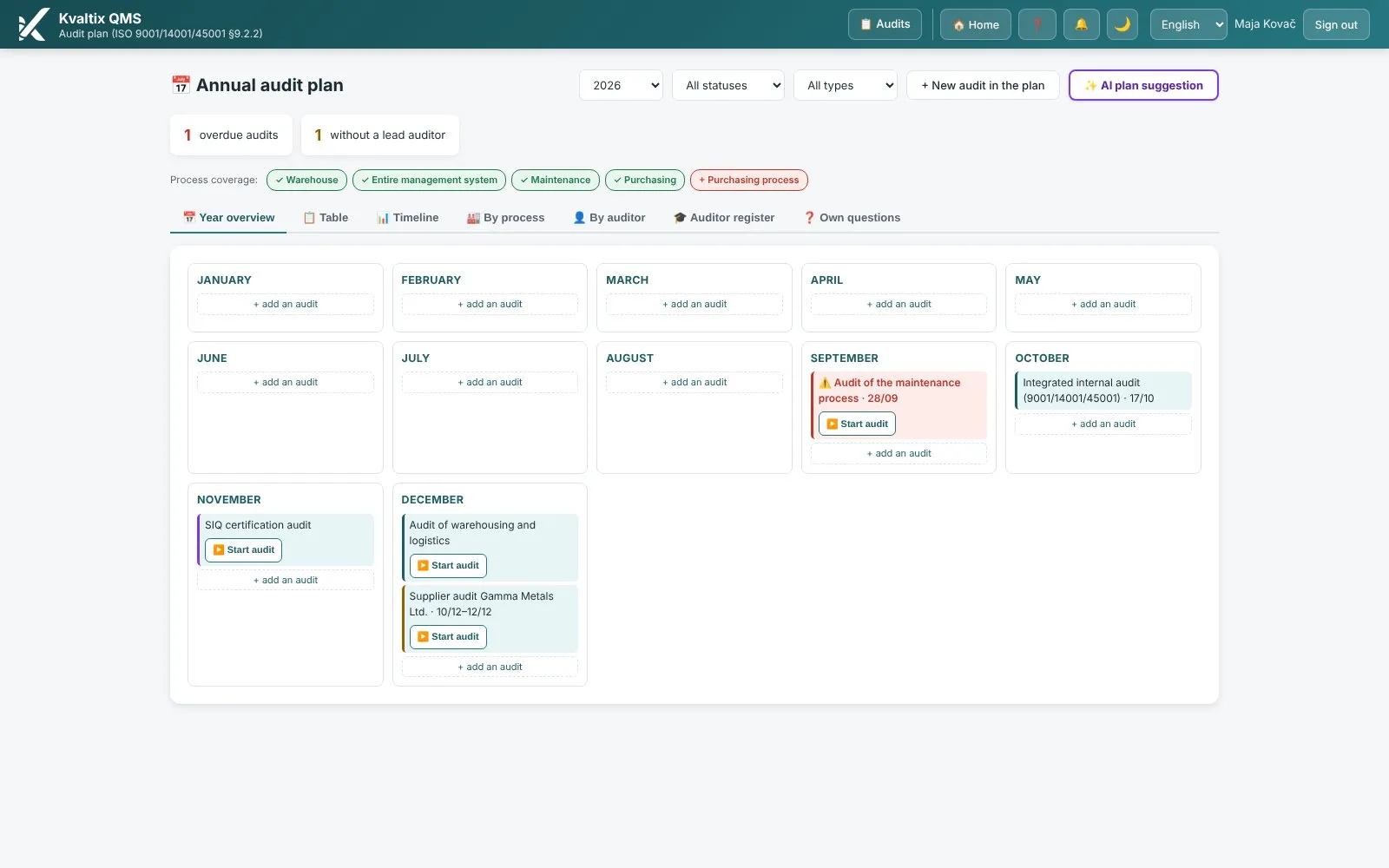
Internal audits — Screen from the platform

ISO 9001 · 9.2

Internal audits

A few hours in the department — and days of typing up the report.

An annual audit program, a questionnaire with more than 900 questions by standard, findings with a photo, dictation during the audit and the report in one click.

Module page →
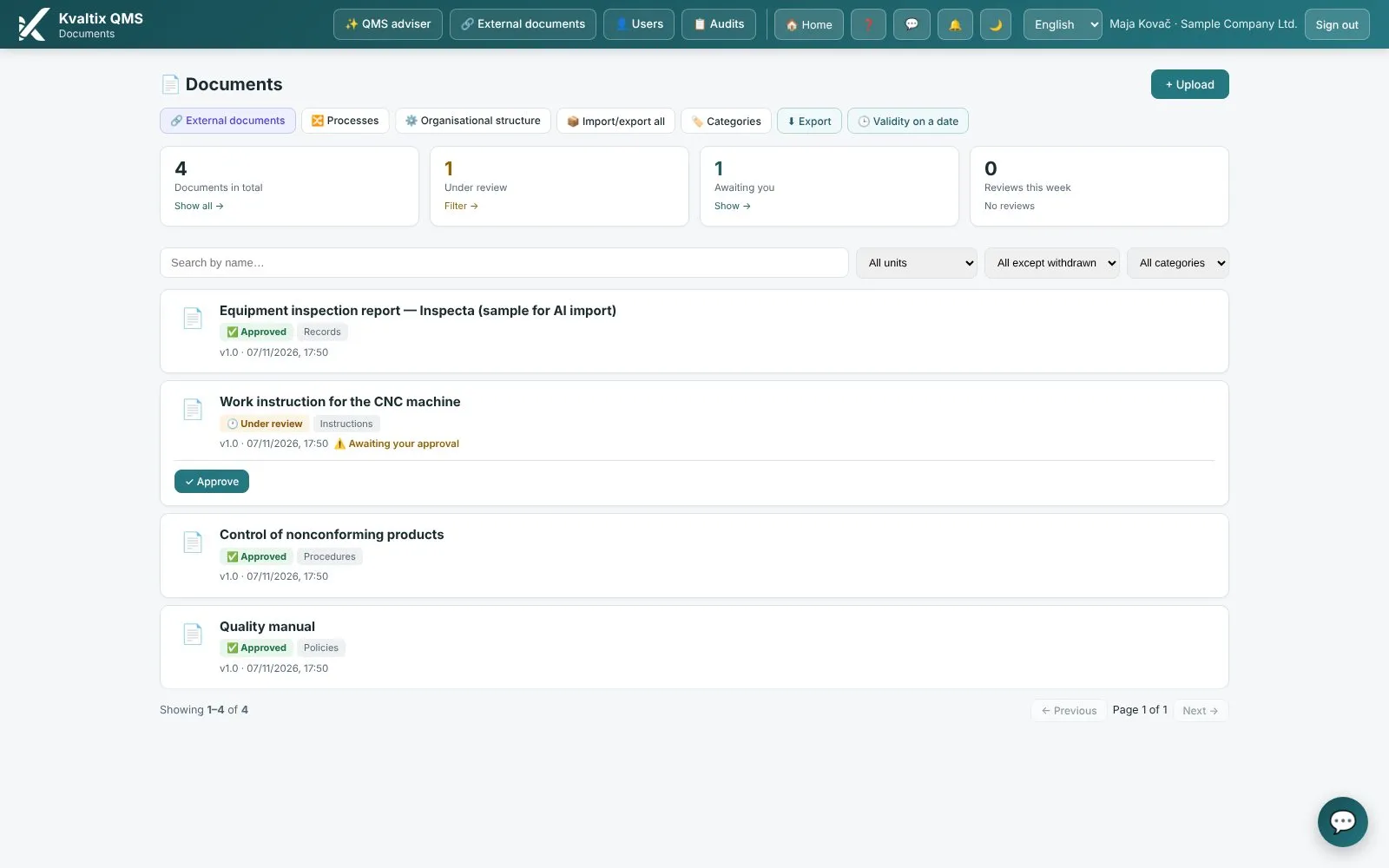
Document control — Screen from the platform

ISO 9001 · 7.5

Document control

“Which version is valid?” — and signature sheets that get lost.

One valid version, an approval route along the organizational chart, acknowledgment without signature sheets and a reminder before the review date.

Module page →
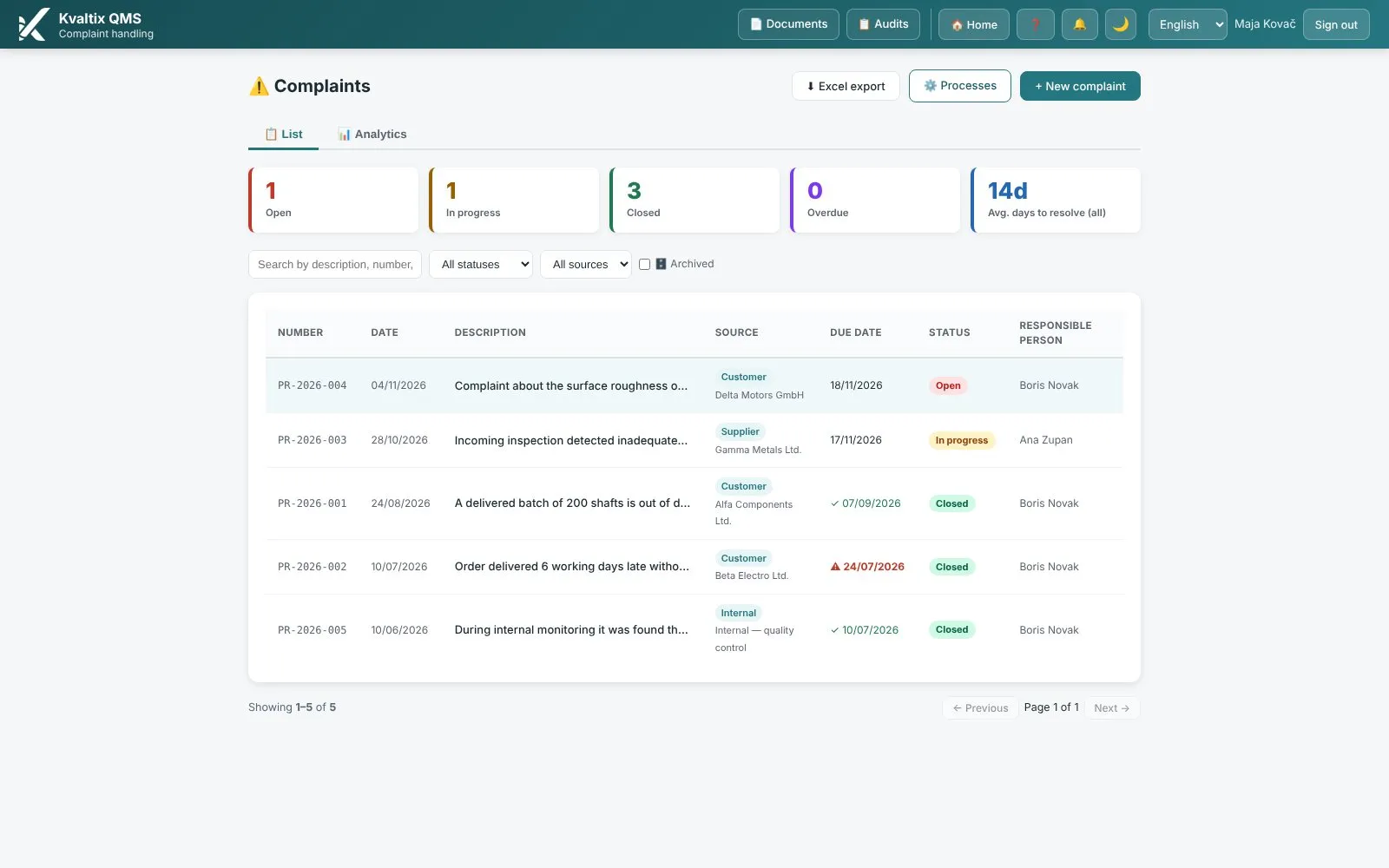
Complaints — Screen from the platform

ISO 9001 · 9.1.2

Complaints

A complaint that waits three weeks in the inbox of a colleague on vacation.

A number, a deadline and an owner for every complaint; response times and trends; an action straight from the complaint.

Module page →
Corrective actions (CAPA) — Screen from the platform

ISO 9001 · 10.2

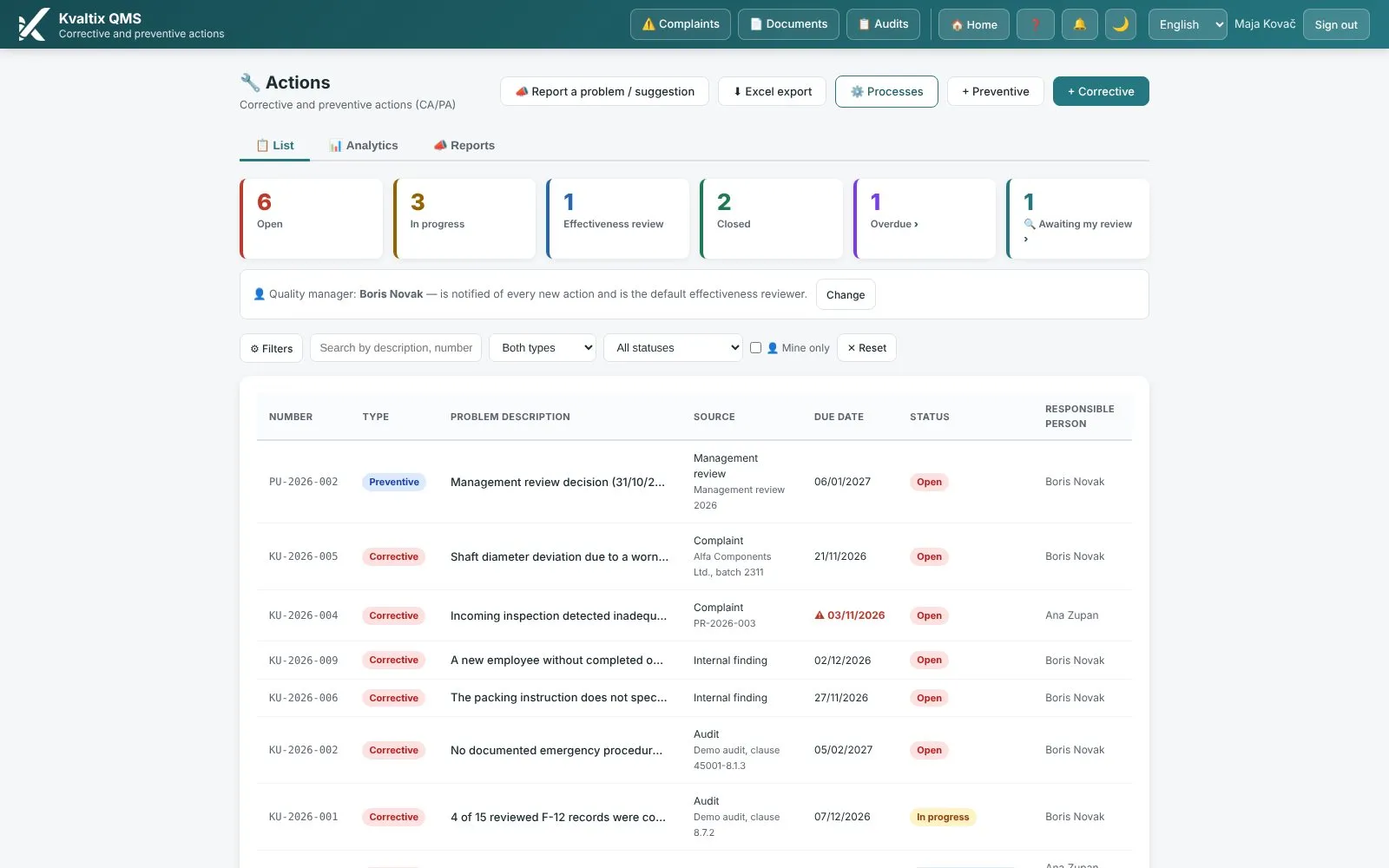
Corrective actions (CAPA)

A spreadsheet of actions that nobody opens.

Four steps from finding to verified effect, photos before, during and after, reminders to owners, and actions from audits, complaints and risks.

Module page →
KPIs and objectives — Screen from the platform

ISO 9001 · 9.1

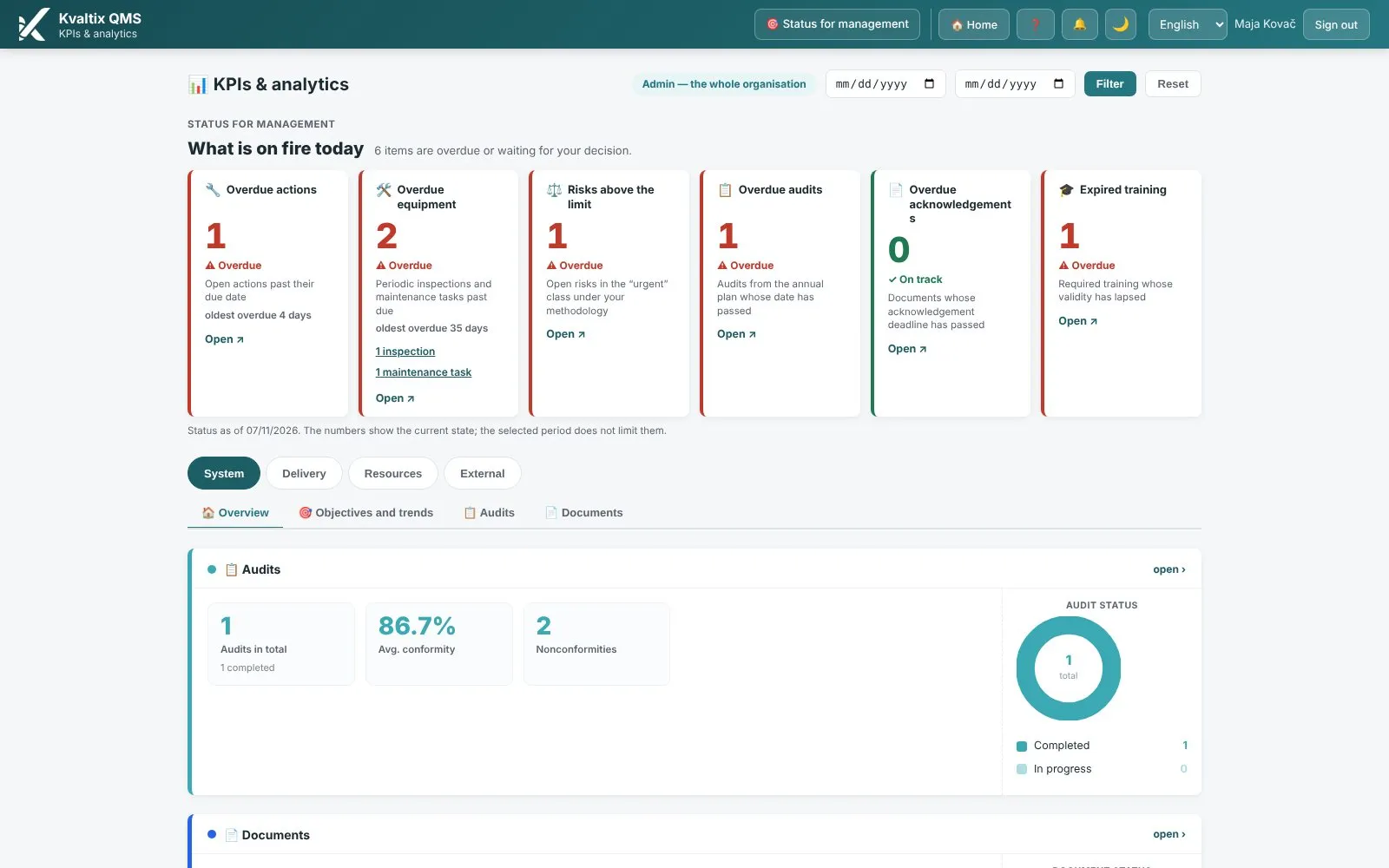
KPIs and objectives

A status overview means a week of collecting data from departments.

The dashboard fills itself from all modules; your own indicators with targets and thresholds; deviations visible immediately.

Module page →
Info screen — Screen from the platform

ISO 9001 · 7.4

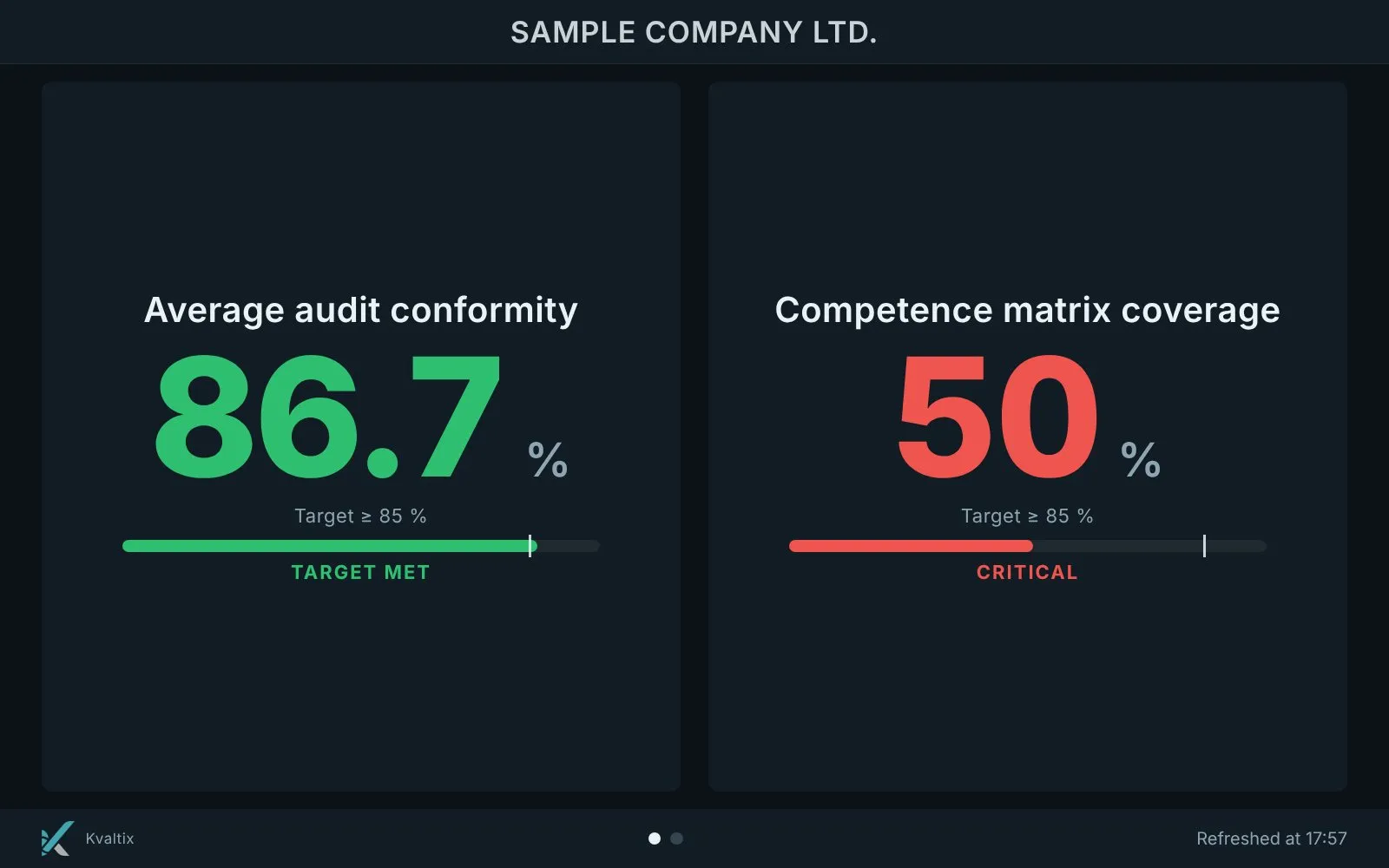
Info screen

Only the person who opens the application sees the indicators — the shop floor never does.

Any TV becomes a live picture of the system: indicators, targets and a notice board with announcements, images and videos.

Module page →
Planner — Screen from the platform

All deadlines

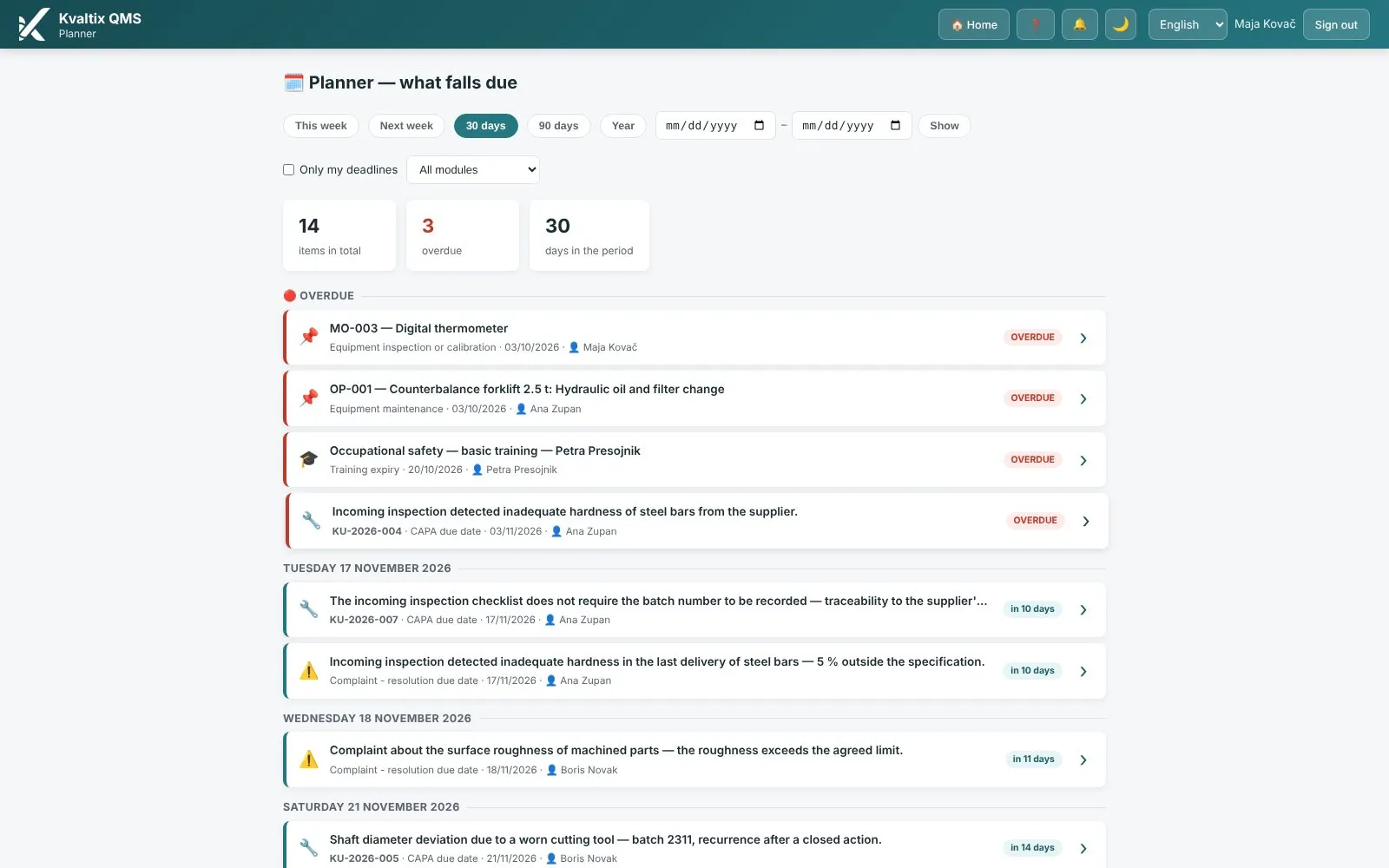
Planner

Deadlines in three calendars and one head.

All the organization’s deadlines on one page: documents, audits, actions, risks, equipment and training. Overdue at the top, a click leads into the module.

Module page →
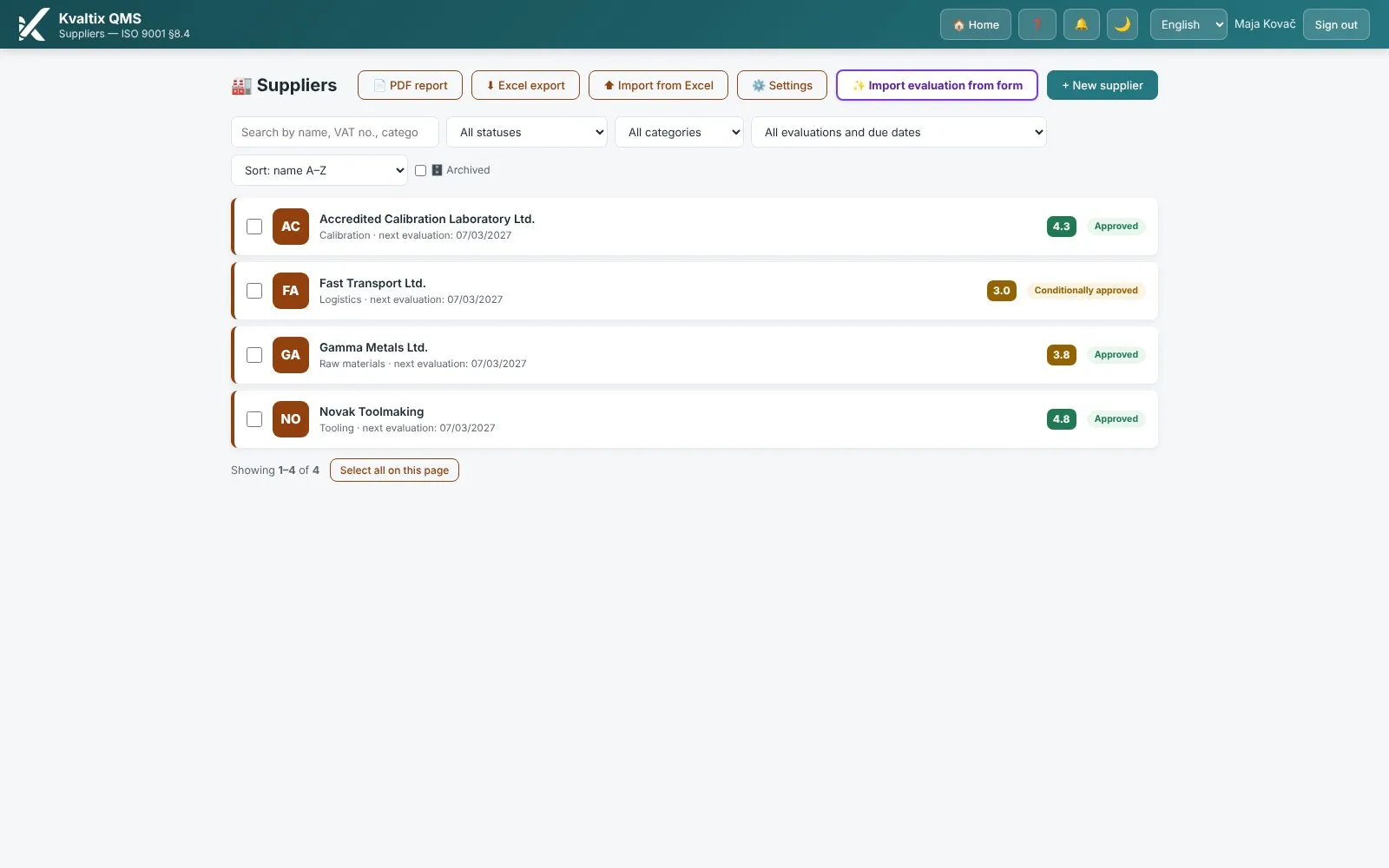
Suppliers — Screen from the platform

ISO 9001 · 8.4

Suppliers

Supplier evaluation once a year, from memory.

Ratings with history and automatic classification; nonconformities (actions, complaints) by supplier; the whole history of the relationship.

Module page →
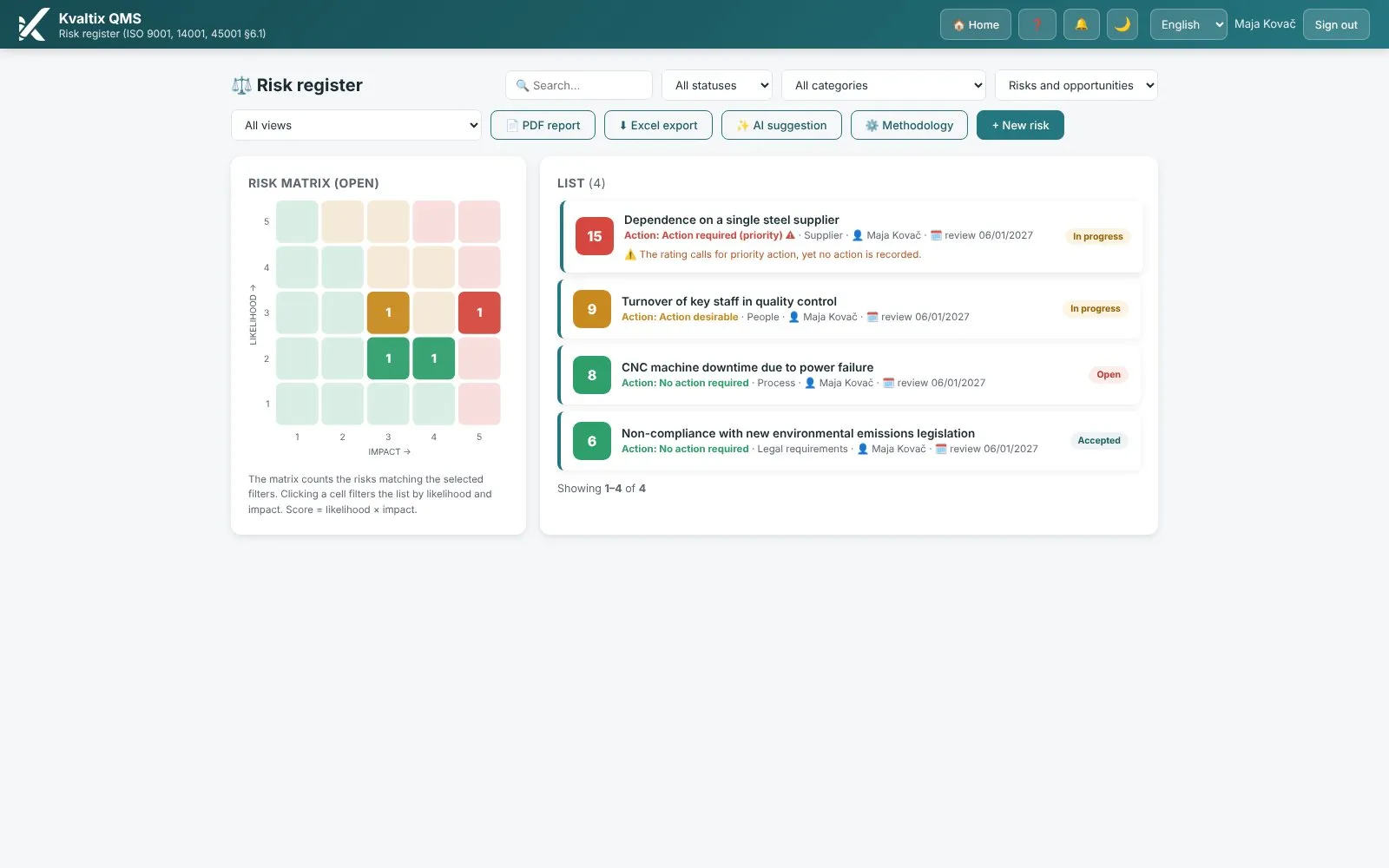
Risks and opportunities — Screen from the platform

ISO 9001 · 6.1

Risks and opportunities

A risk register that only comes alive before the audit.

A live 5×5 matrix, owners and review dates with reminders, AI-suggested risks for your line of business and a printout with a signature block.

Module page →
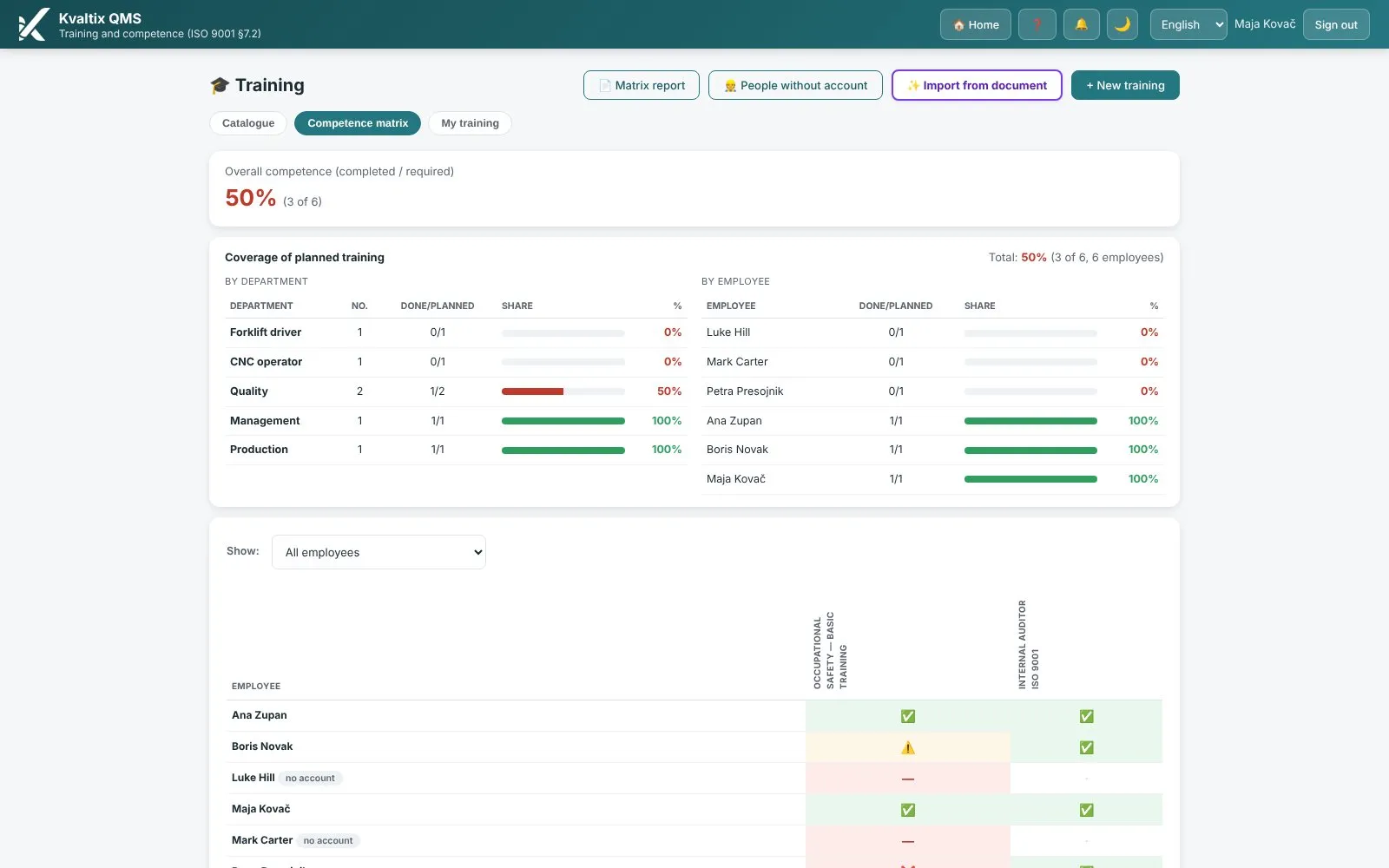
Training and competence — Screen from the platform

ISO 9001 · 7.2

Training and competence

Who may drive the forklift — and when does their license expire?

A competence matrix with a traffic light showing who needs what, certificates attached to attendance and reminders 60 and 14 days before expiry.

Module page →
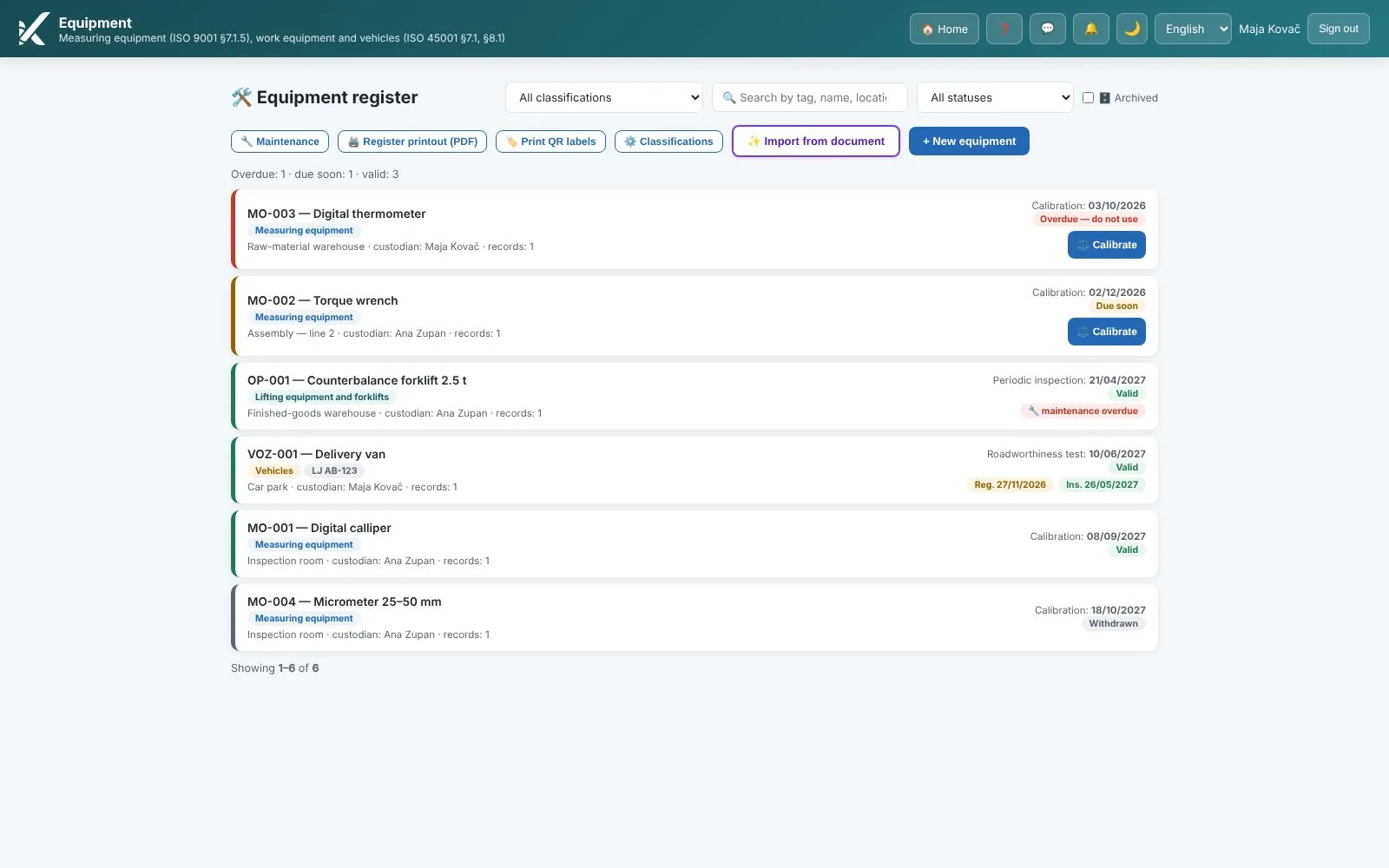
Equipment and measuring instruments — Screen from the platform

ISO 9001 · 7.1.3, 7.1.5

Equipment and measuring instruments

A gauge with an expired calibration, a forklift without an inspection, a breakdown nobody takes over.

One register for measuring instruments, work equipment, lifting equipment and vehicles: a traffic light, reminders 30 and 7 days before the due date, calibration with a certificate and a mandatory impact assessment, a maintenance plan, breakdown reporting from a QR label and a printout for the audit.

Module page →
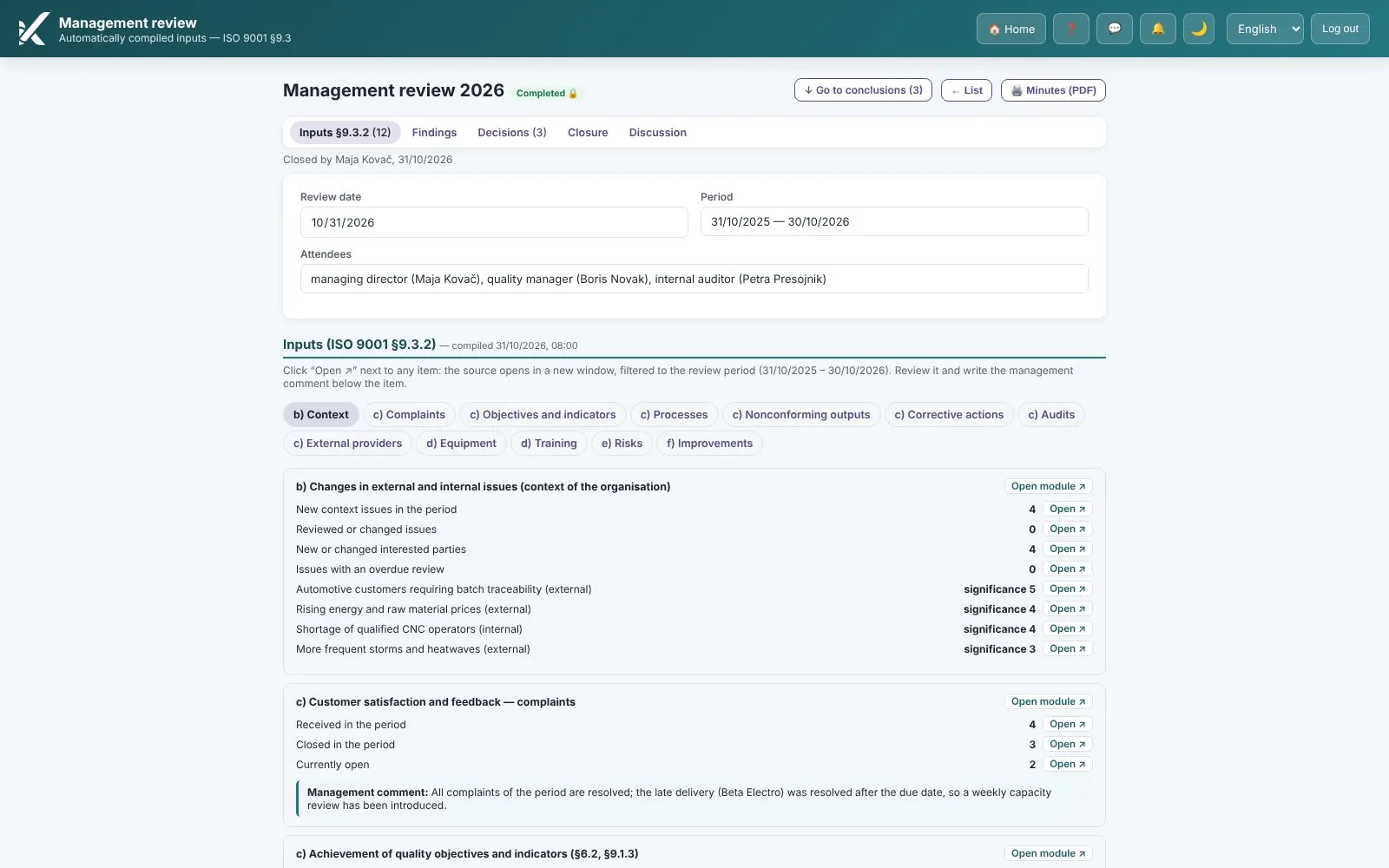
Management review — Screen from the platform

ISO 9001 · 9.3

Management review

The minutes take longer to write than the meeting itself.

Inputs compile themselves from the modules, decisions with owners and deadlines become tasks, and the minutes are written as you go.

Module page →
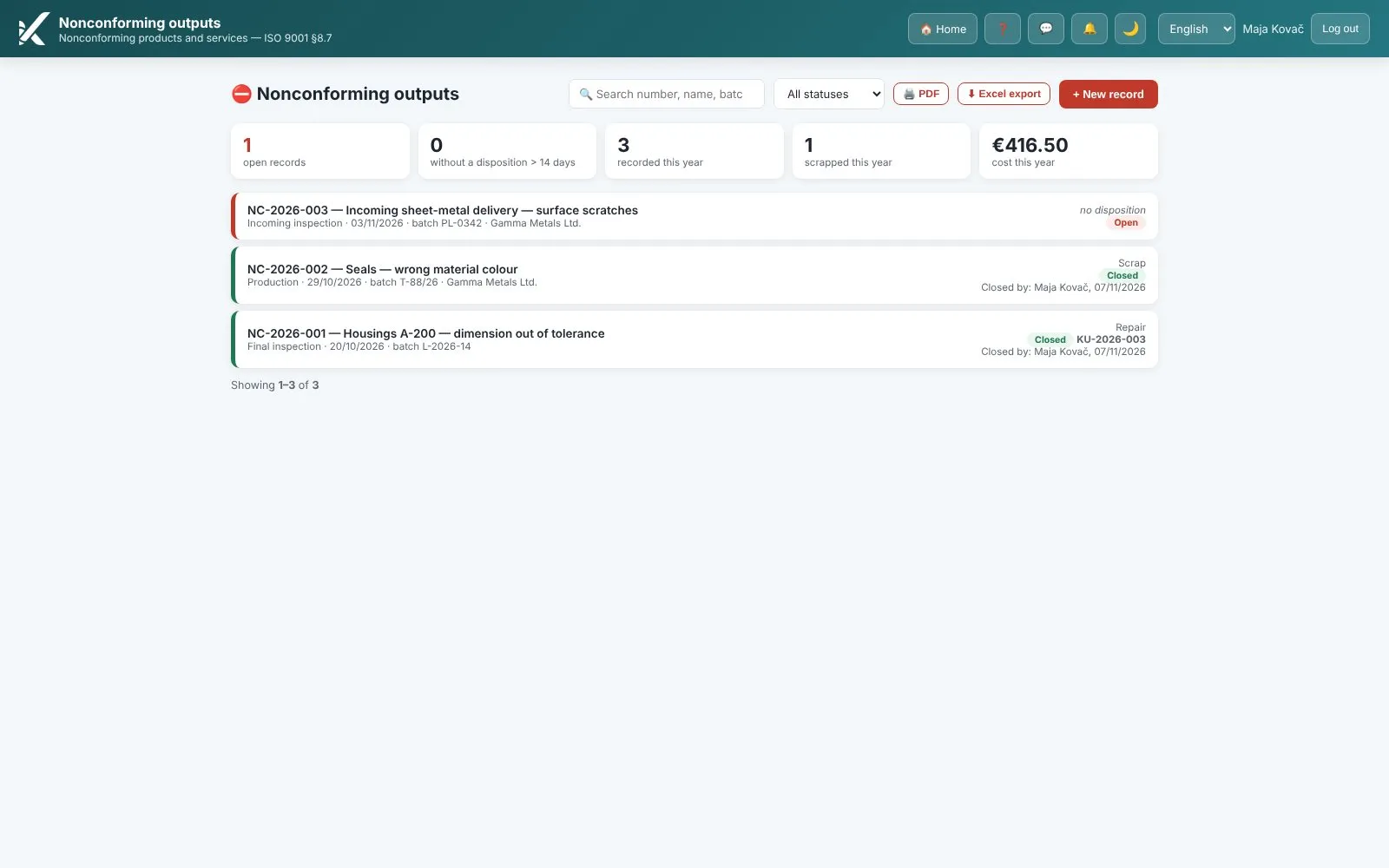
Nonconforming outputs — Screen from the platform

ISO 9001 · 8.7

Nonconforming outputs

A nonconforming product on the dock — who decided, and where is it written down?

A record of the nonconformity, a disposition (rework, scrap, concession) with a name and date, and a link to the corrective action.

Module page →
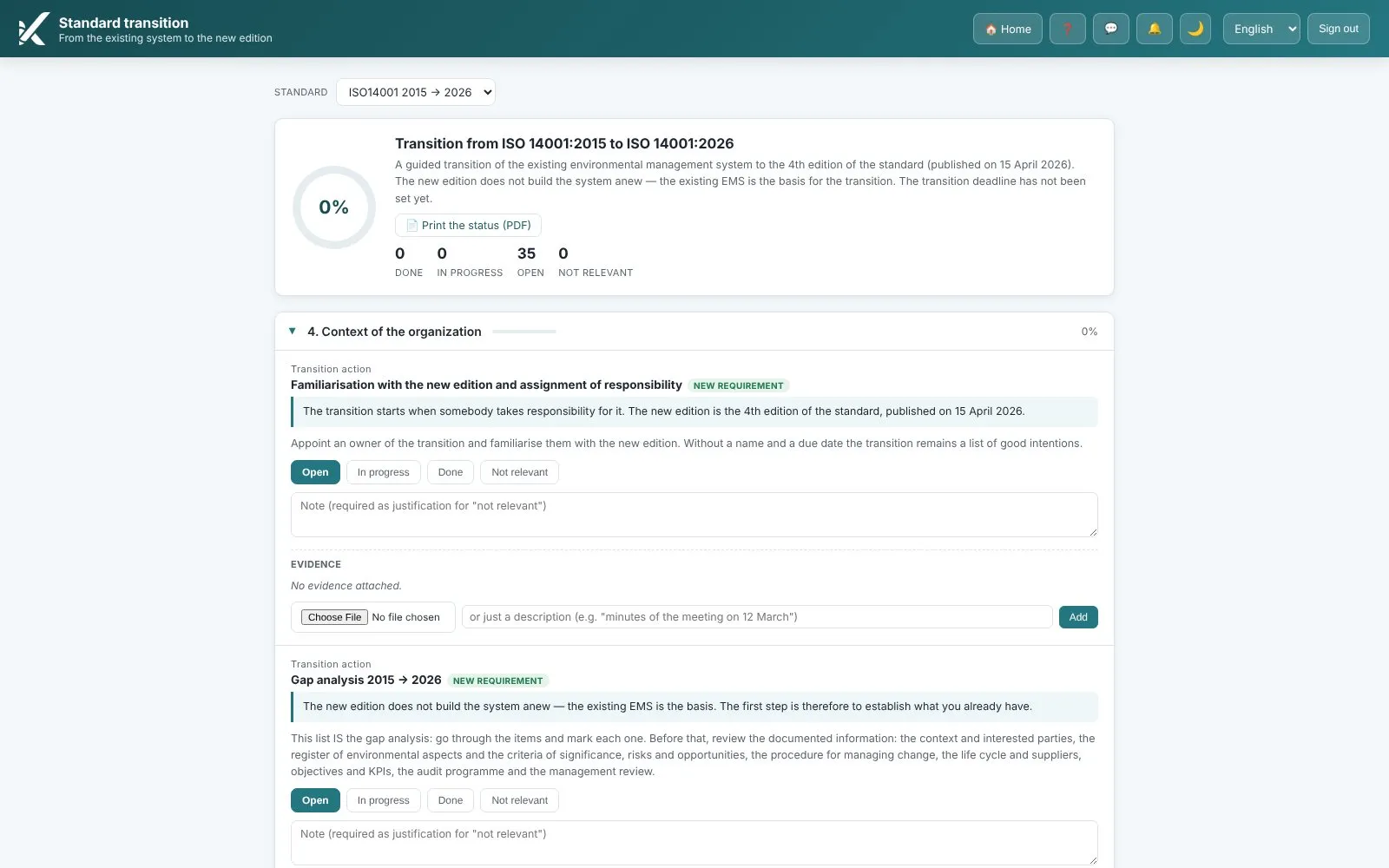
Standard transition — Screen from the platform

2015 → 2026

Standard transition

A new edition of the standard — what exactly do we have to change?

A mapping of clauses from the old to the new edition, a list of changes, steps with evidence and progress in percent.

Module page →
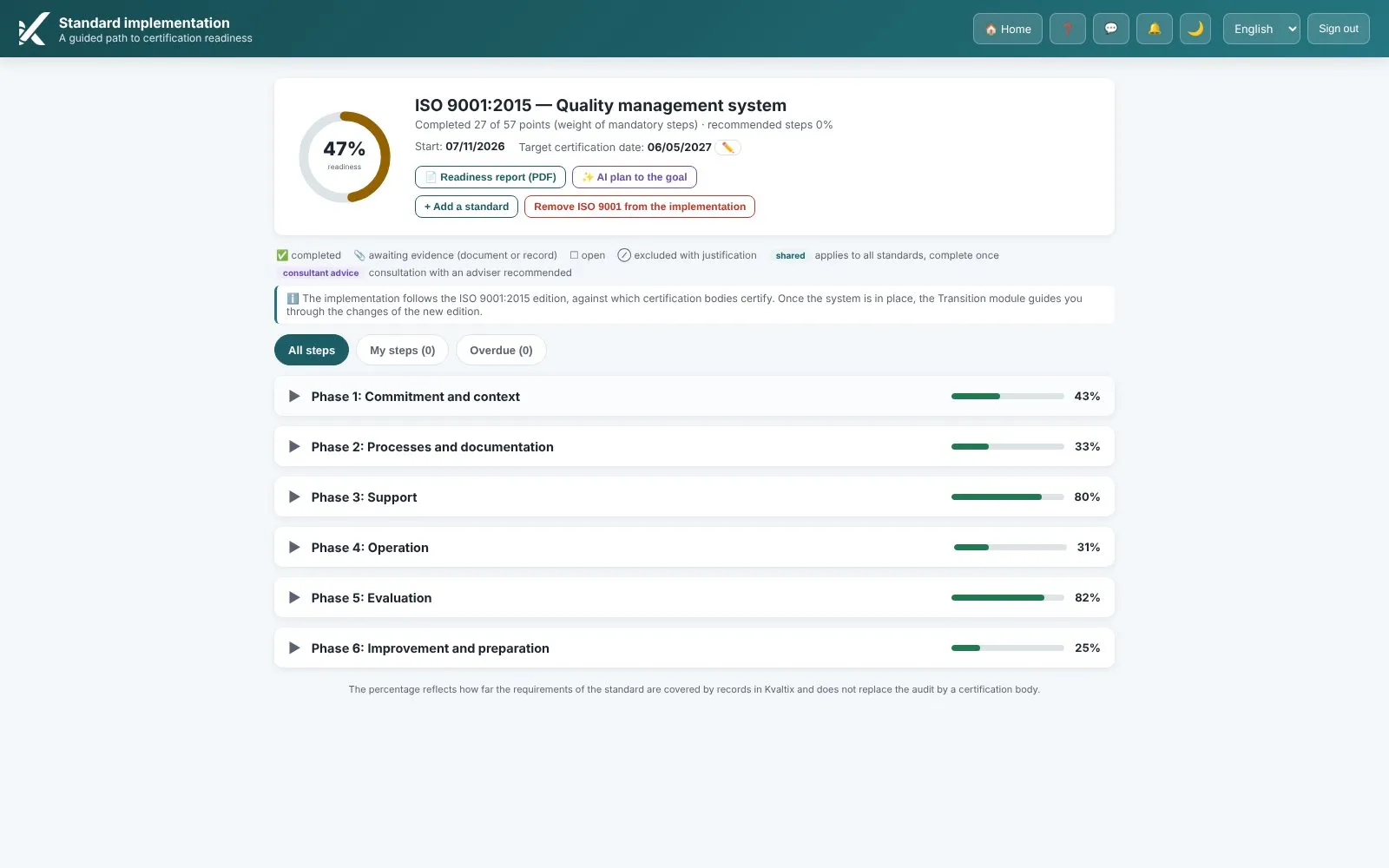
Standard implementation — Screen from the platform

0 → certificate

Standard implementation

You have decided on ISO. Now — where do you even begin?

A guided, step-by-step path with the requirements explained in plain language, evidence from other modules and progress in percent.

Module page →
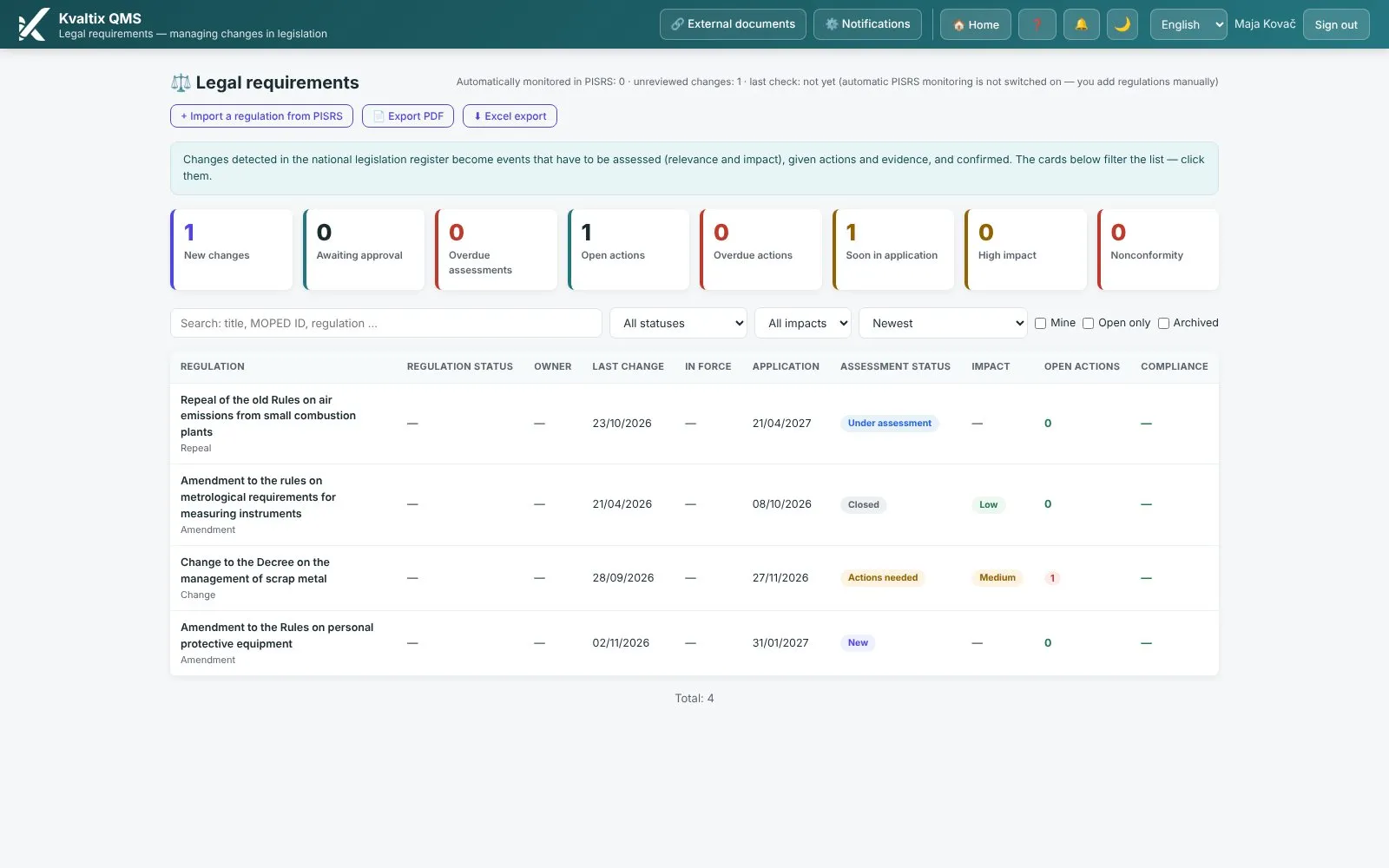
Legal register — Screen from the platform

Legal requirements

Legal register

The amended regulation came out in March. When would you have found out?

Your register of regulations with impact assessments, actions and evidence. For Slovenian legislation, the register is compared automatically with the official national register (PISRS) and amendments are detected.

Module page →
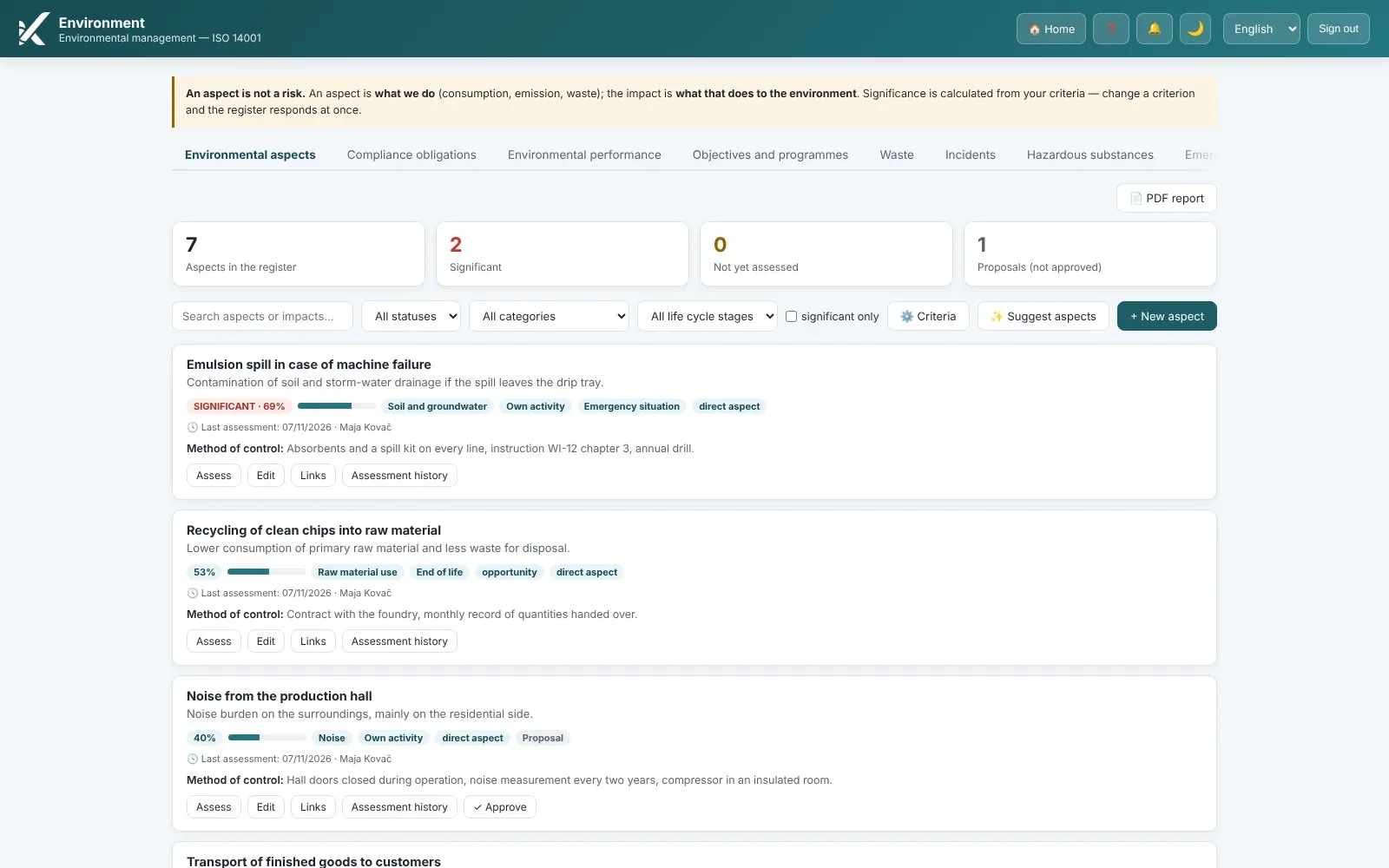
Environment — Screen from the platform

ISO 14001 · 6.1.2

Environment

A register of environmental aspects that only its author understands.

Aspects and impacts by activity with a significance rating, links to objectives and actions, a register of hazardous substances and emergency preparedness.

Module page →
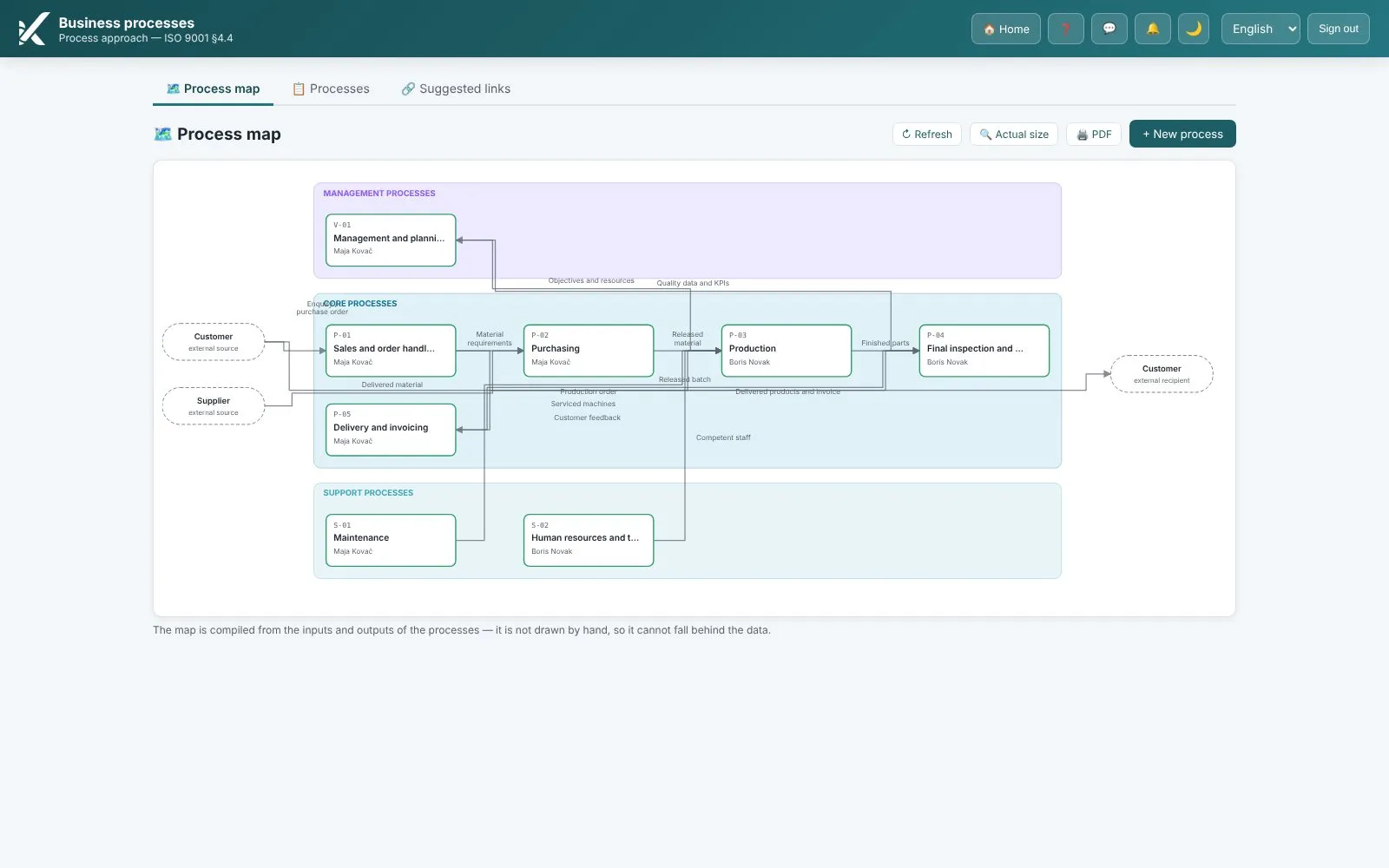
Business processes — Screen from the platform

ISO 9001 · 4.4

Business processes

A process map — on a poster from years ago.

A map of the organization, process cards with inputs and outputs, flowcharts you correct instead of reprinting.

Module page →
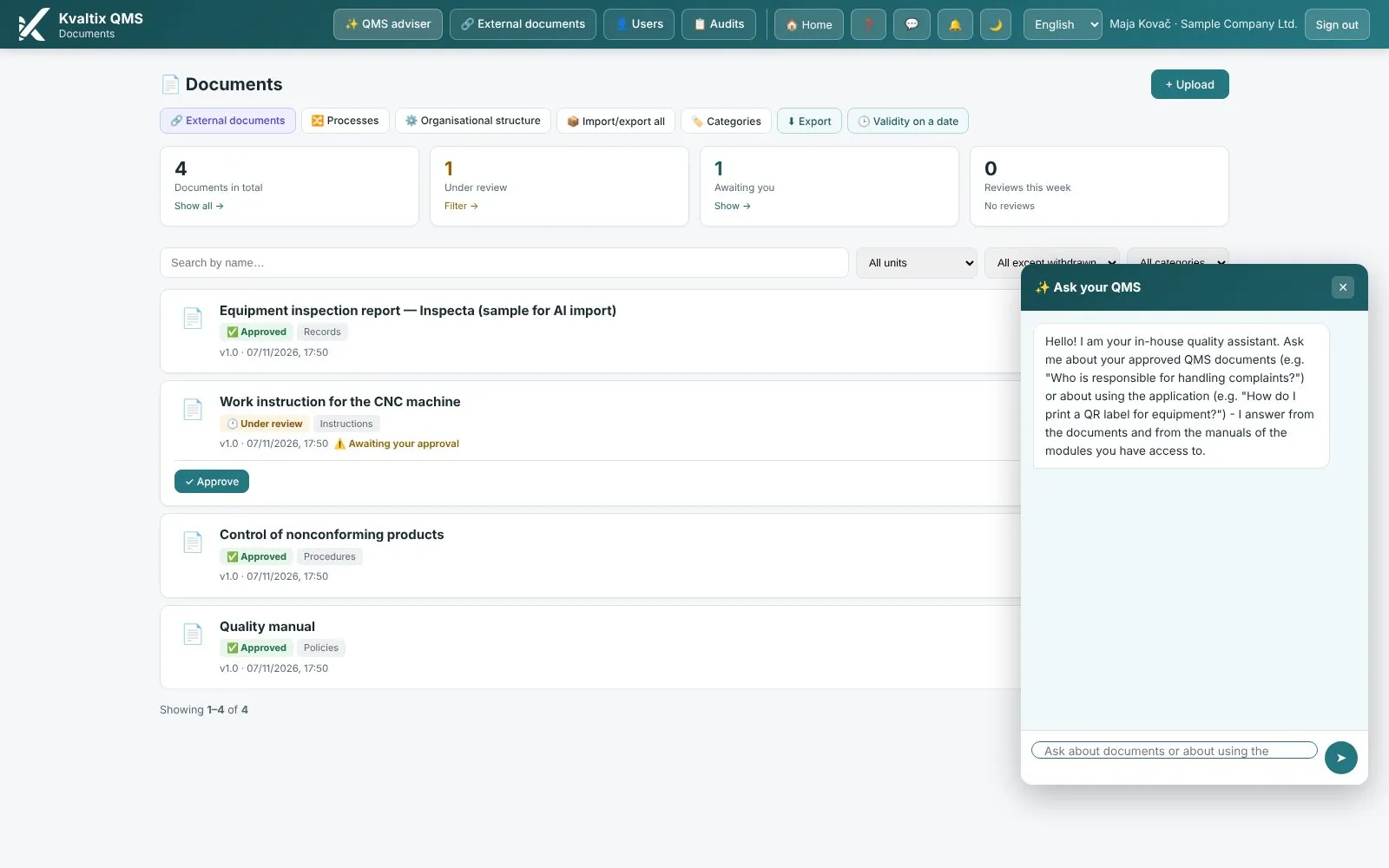
AI assistant — Screen from the platform

Cross-cutting · all modules

AI assistant

“I know how we work — I just don’t know how to write it down.”

You write in plain language, the assistant proposes wording in the language of the standard — the proposal sits next to your original and goes into the document only once you confirm it. A person decides.

Module page →

Next step

The same — on your data.

A live demo with your documents and your organizational structure. 30 minutes, no obligation.