
🗓️ All deadlines
Planner
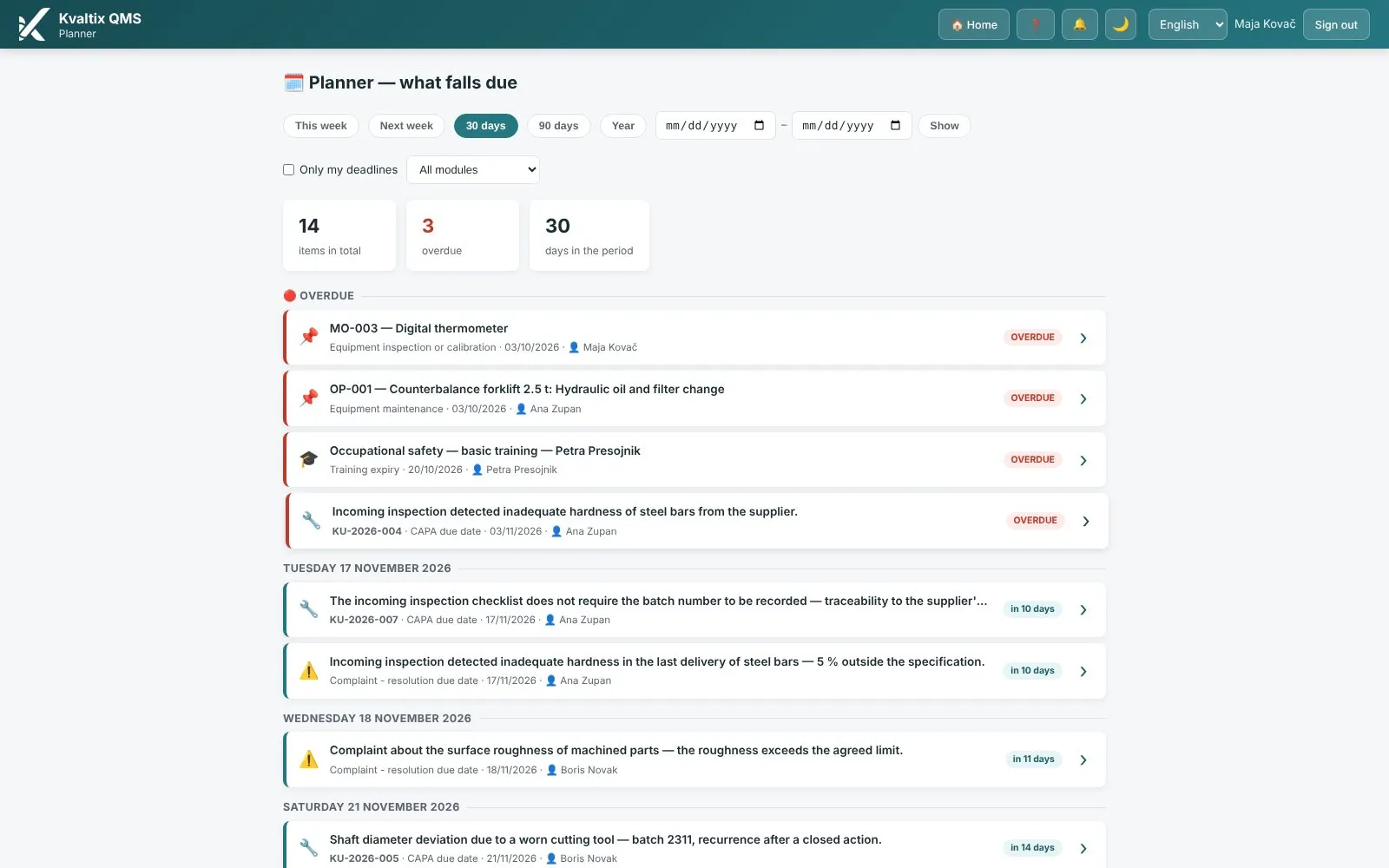
Every deadline of the organization on one page: documents, audits, actions, risks, equipment and training.
The problem
Deadlines in three calendars and one head.
With the QMS platform Kvaltix
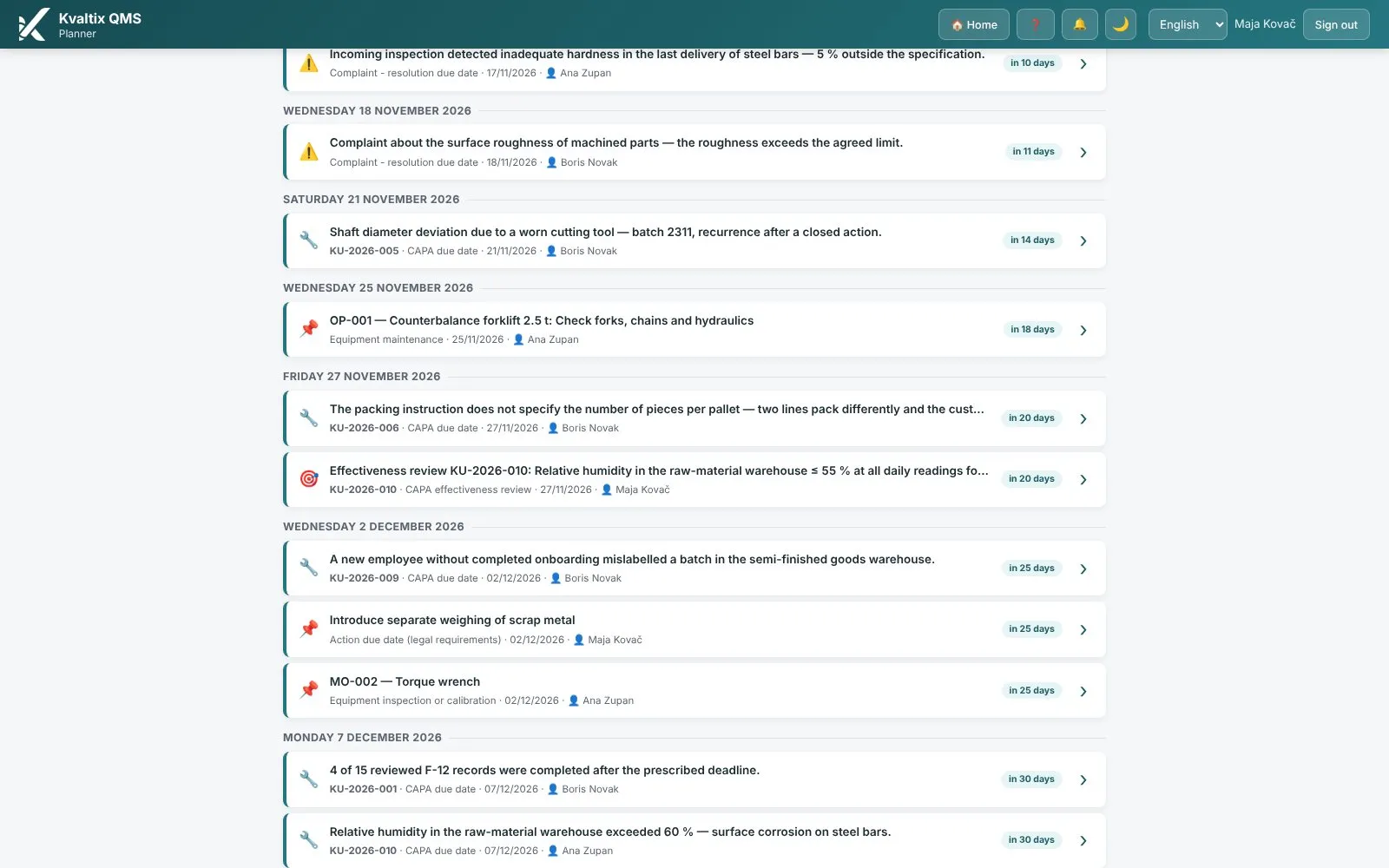
All the organization’s deadlines on one page: documents, audits, actions, risks, equipment and training. Overdue at the top, a click leads into the module.
Key features
- Deadlines from all modules on one page
- Overdue items at the top
- Filters by period, module and “only my deadlines”
- A click on a deadline opens the record in its module
Screens from the platform
Real screens of the QMS platform Kvaltix with sample data.
Questions about this module
Which deadlines does the planner show?
Document reviews, audits, actions, complaints, risk reviews, equipment inspections and calibrations, training expiry and other dated items from the modules.
Do I have to enter deadlines twice?
No. The planner only reads the deadlines that already exist in the modules.
Can I see only my own deadlines?
Yes, with the “Only my deadlines” filter.
See the platform with your own processes
Book a free 30-minute demo of the QMS platform Kvaltix, with no obligation.