
📺 ISO 9001 · 7.4
Info screen
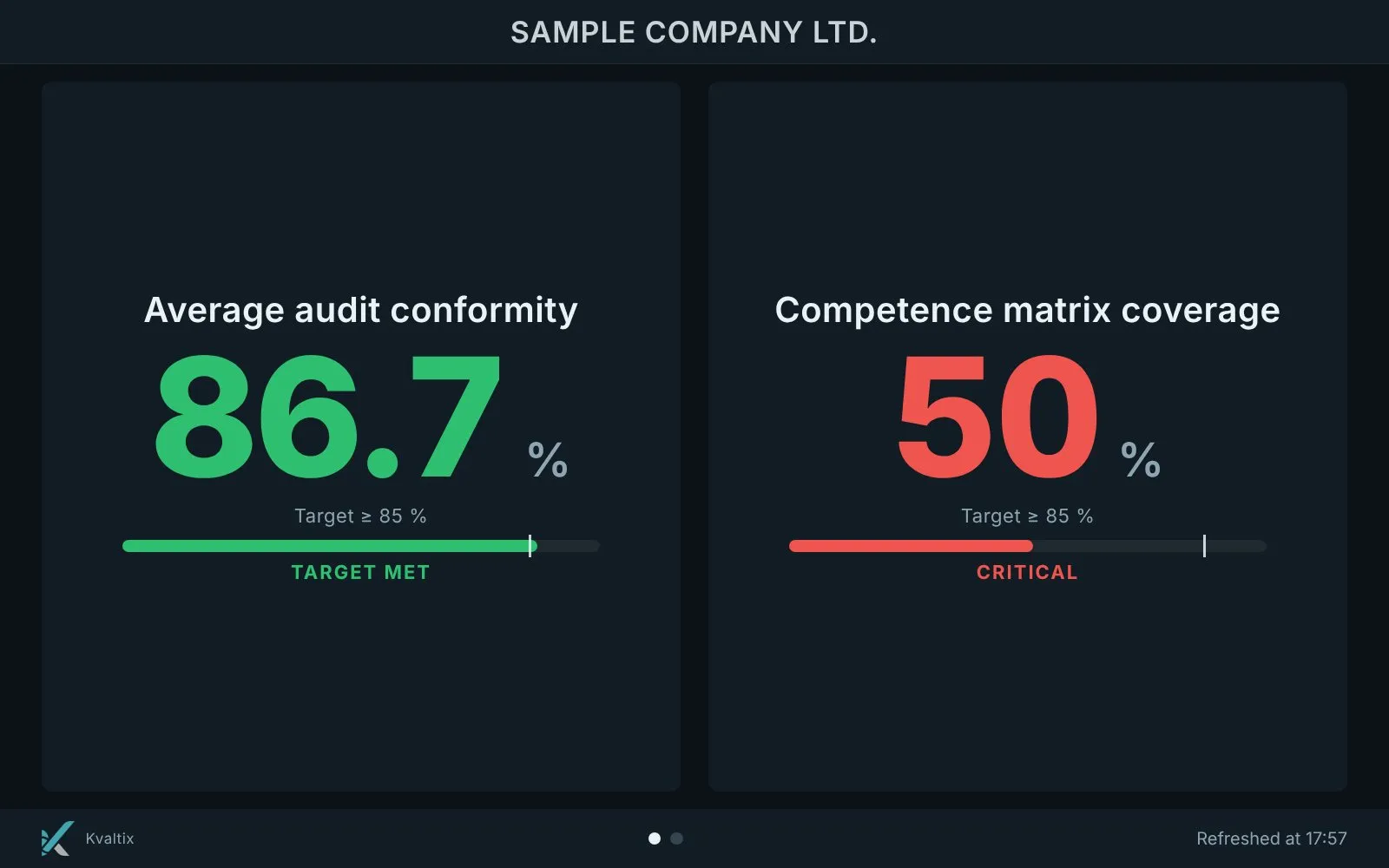
Indicators, targets and a notice board on a TV on the shop floor, at reception or in the office.
The problem
Only the person who opens the application sees the indicators — the shop floor never does.
With the QMS platform Kvaltix
Any TV becomes a live picture of the system: indicators, targets and a notice board with announcements, images and videos.
Key features
- Selected indicators with targets on a wall screen
- Notice board with announcements, images and videos
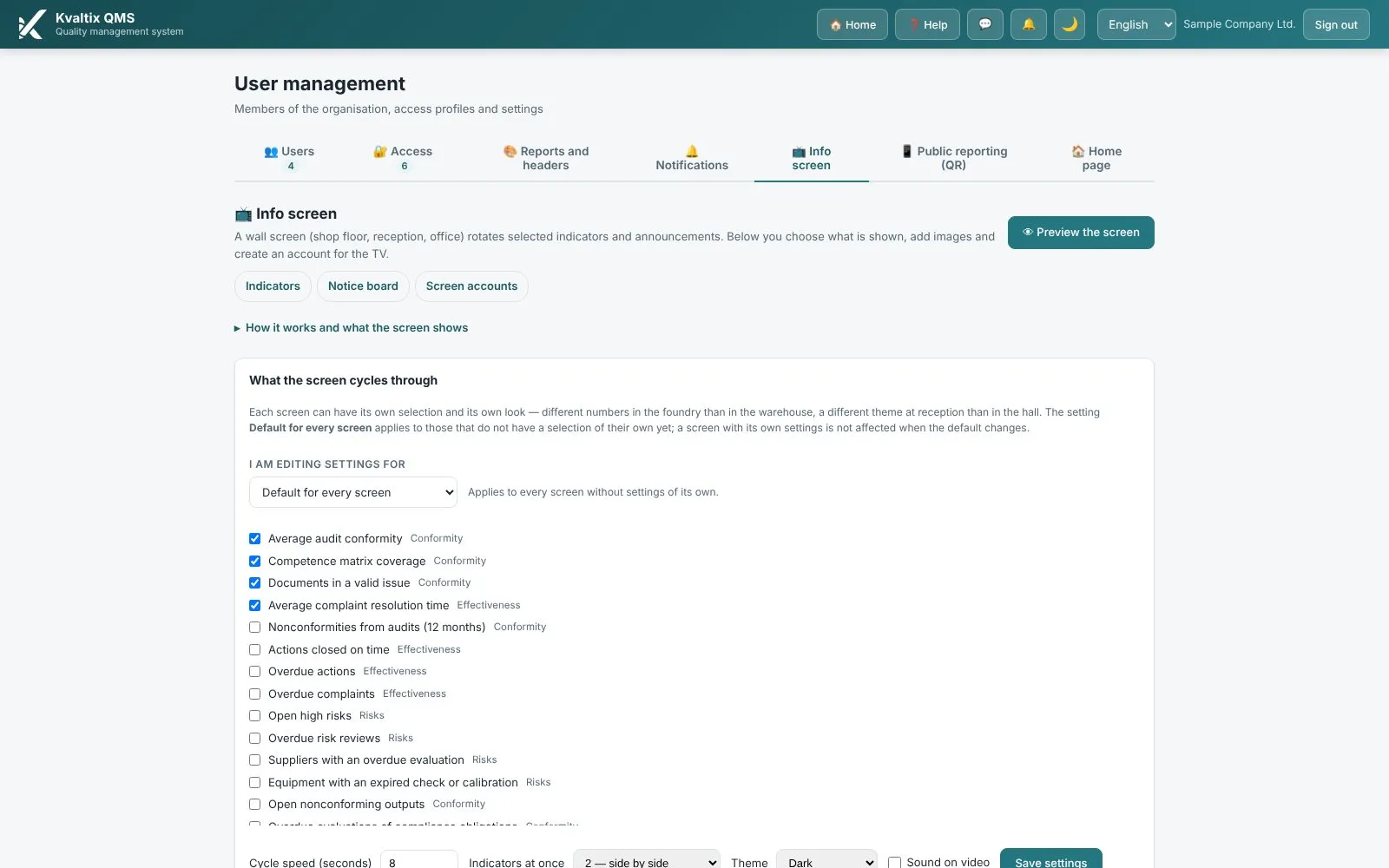
- Different content for different screens (shop floor, reception, office)
- Content edited in the application, picked up by the screen automatically
Screens from the platform
Real screens of the QMS platform Kvaltix with sample data.
Questions about this module
What hardware do we need?
Any TV or monitor with a web browser. The screen opens its own address and refreshes the content by itself.
Can different screens show different content?
Yes. Each screen account has its own selection of indicators and announcements; there is also a default for all screens.
Who can change what is shown?
Users with the right access level edit the content in the application; the screen picks up the change without anyone touching it.
See the platform with your own processes
Book a free 30-minute demo of the QMS platform Kvaltix, with no obligation.